
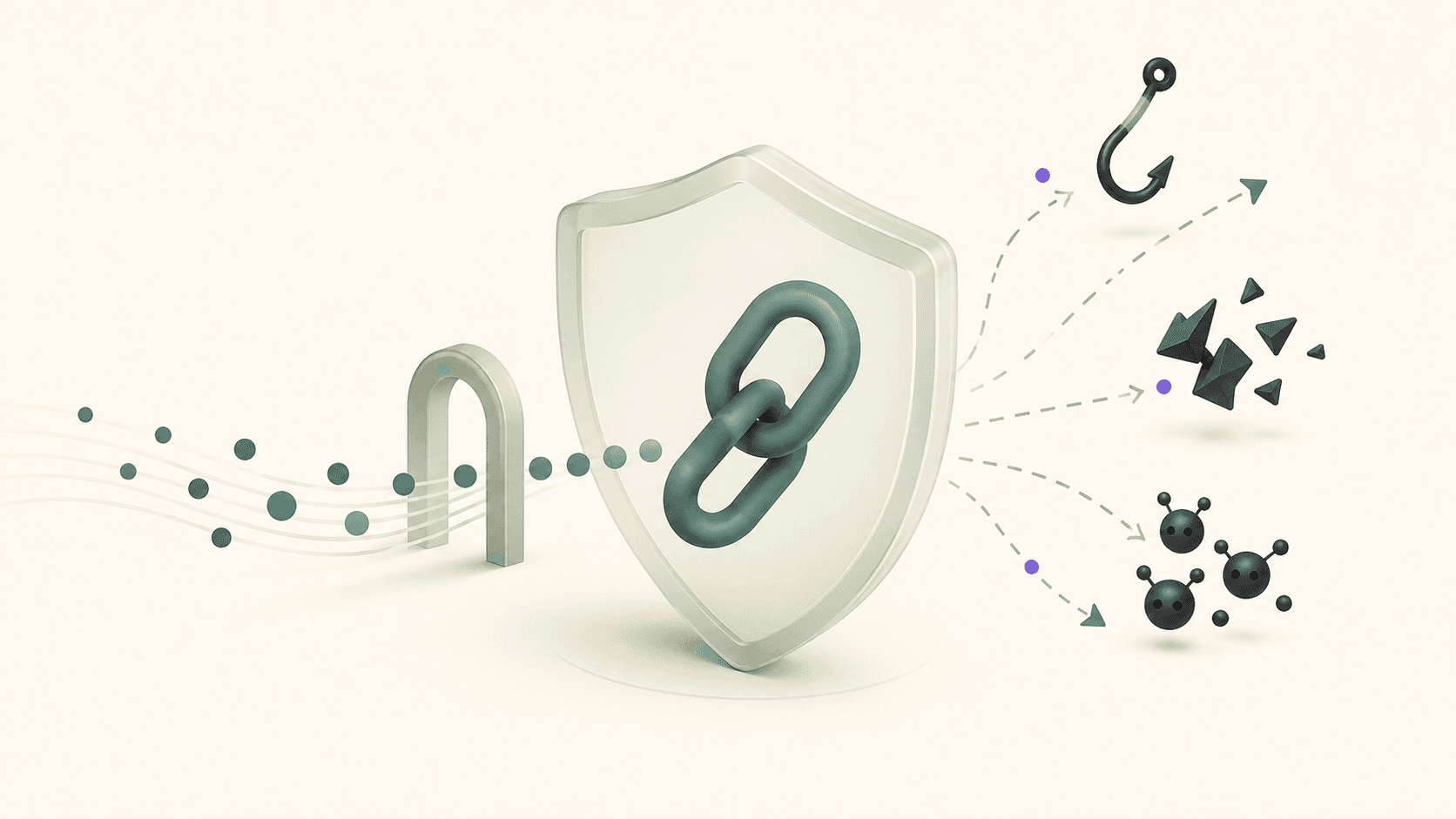
Short links are a remarkably powerful surface for abuse. Because they obscure the destination URL by design, they are a favorite tool in phishing campaigns, malware distribution, and spam. The consequence for brands: users have learned to be suspicious of short links from unfamiliar or unrecognizable domains, and email security infrastructure has learned to scrutinize them.
For a brand running a legitimate marketing program, this creates both a reputation management challenge and an active security posture to maintain. This article covers the threat landscape, how Nimriz's architecture addresses key risks, and the operational practices that keep your short link infrastructure clean.
Understanding the short link threat landscape
Before addressing mitigations, it is worth understanding the specific threats that affect short link systems:
Phishing via obfuscation. Attackers use short links to hide destination URLs that would trigger immediate user or security scanner suspicion if shown directly. A link to a convincing-but-fake login page is far more likely to be clicked if it appears as bit.ly/3xYz8q than as fakegoogle-login.net/steal-credentials.
Domain impersonation. Attackers register domains designed to look like legitimate branded short link domains. A brand using links.acme.com might find attackers registering links-acme.com, linksacme.com, or acme-links.com and using those to run phishing campaigns that users associate with the legitimate brand.
Link hijacking on shared platforms. On public shorteners, slug registration is often first-come-first-served. If a brand is using generic shortener links in published marketing materials, an attacker can sometimes register the same slug on the same service before the brand does, and point it somewhere malicious.
Bot-inflated analytics. While not a safety threat to users, bots clicking links inflate analytics data, distort campaign performance measurement, and in some cases are used to generate fraudulent click traffic in affiliate or paid placement schemes.
Credential theft via link preview abuse. Some bots pre-fetch the destination of short links when they appear in emails, generating a "click" before the real user ever sees the email. This inflates open and click rates and, in poorly designed authentication flows, can pre-consume single-use tokens.
Why custom branded domains are the primary security control
The single most impactful security measure for short links is the same as the single most impactful brand measure: use a custom branded domain that you own and control.
Here is why this matters from a security perspective:
Reputation isolation. Your domain's reputation is entirely determined by your own traffic. If another user on a shared shortener runs a phishing campaign, their activities can cause your domain to be flagged - even if they're on a different path. With your own domain, that correlation cannot happen.
Sender transparency. Users and email security systems can evaluate your domain's reputation independently. A brand with a consistent, clean sending history on links.yourbrand.com builds positive reputation over time. Generic shortener domains have heterogeneous reputations that fluctuate with the behavior of their entire user base.
Namespace control. You own every slug on your domain. A generic shortener slug that you are using in published marketing materials could be registered by someone else at a later date if the shortener doesn't protect active slugs. Your own domain is your namespace.
Phishing resistance. It is much harder to convincingly impersonate links.yourbrand.com than bit.ly. Users who know your brand and its link domain will notice domain variants. Users who receive bit.ly links have no point of comparison.
How Nimriz handles bot traffic and automated abuse
Nimriz applies bot classification at the edge before logging analytics events. Requests that match bot signatures - known crawler user-agents, data center IP ranges associated with automated traffic, behavioral patterns inconsistent with human browsing - are flagged rather than silently included in click counts.
This classification serves both analytics integrity and security monitoring. An unusual spike in bot-classified clicks on a specific short link may indicate the link is circulating in automated scanning or scraping pipelines - which can be a signal that the link URL has leaked into a context where it is being probed.
For analytics purposes, always review human-classified click data separately from total click data. The gap between total clicks and human clicks is informative: a large gap on a link that has not been widely distributed may warrant investigation.
Protecting against link preview token exploitation
A specific attack pattern affects applications that encode single-use tokens in URLs - email verification links, password reset links, and similar. When these URLs are shared through a short link:
- The email arrives at the recipient's inbox.
- The email security scanner or link preview system pre-fetches the short link destination.
- The pre-fetch consumes the token.
- When the real user clicks the link, the token is already spent and the action fails.
This is not a short link vulnerability per se - it is a token design issue. The correct mitigation is to make tokens time-bounded and allow limited re-use within a short window, or to design the token consumption to only occur after user intent is confirmed (e.g., on a confirmation page click, not on the initial URL load).
Short links are not the root cause here, but if you are routing single-use tokens through short links, this interaction is worth understanding.
Monitoring for brand impersonation
Domain impersonation is an ongoing risk for any brand with a recognizable online presence. For brands that use short links prominently, monitoring for similar domains is a practical protective measure.
Practices:
- Set up alerts for newly registered domains that contain your brand name combined with link-related terms (
links,link,go,l). - Periodically search for your brand name combined with common short domain patterns to identify impostor accounts or domains that may be actively used in phishing.
- Register the most obvious variant domains proactively (e.g., both
yourbrand.linkandyourbrandlink.com) to prevent others from doing so.
If you discover an impersonation domain or a phishing campaign using your brand's visual identity combined with a short link, the standard escalation path is:
- Report to the hosting provider and registrar of the impersonating domain.
- Report to the relevant email security intelligence feeds and anti-phishing organizations.
- If the phishing campaign is appearing in email inboxes, report to the major ESPs (Google, Microsoft) using their abuse reporting channels.
Operational link hygiene
Security posture is not just architecture - it is day-to-day operational practices:
Audit active links regularly. Periodically review the full list of active links in your workspace. Links pointing at deprecated pages, acquired domains, or resources that no longer exist should be updated or expired rather than left pointing at dead ends.
Do not create unprotected links to sensitive internal resources. Short links are convenient but not a replacement for access control. A short link pointing at an internal document that requires authentication is fine - the authentication is the control. A short link pointing at an internal document that has no access control makes that document accessible to anyone who has or guesses the short URL.
Watch for unexpected click spikes. A link that normally receives 100 clicks per day suddenly receiving 10,000 may indicate the link has been discovered and shared in a high-traffic context, or it may indicate automated scraping or probe traffic. Investigate before assuming it is positive.
Set expiry dates on time-limited links. An expired campaign link that has been picked up and shared in a deals community is at minimum a poor user experience and at maximum a reputational issue if the offer is no longer valid. Expiry dates prevent this.
Remove access for former team members promptly. A departing team member with active workspace access can still create, modify, or delete links. Offboarding should include access revocation from all relevant workspaces on the day of departure.
Summary: a short link security posture
| Practice | Impact |
|---|---|
| Custom branded domain | Reputation isolation, user trust, namespace control |
| Regular link audits | Prevents orphaned and misdirected links |
| Bot-filtered analytics | Clean performance data, early anomaly detection |
| Link expiration for campaigns | Prevents post-campaign misuse and user confusion |
| Password protection for sensitive content | Access control layer without authentication overhead |
| Team access management | Prevents unauthorized link creation or modification |
| Domain impersonation monitoring | Early detection of brand-targeted phishing |
- Custom branded links vs. generic shorteners - the full case for owning your link domain
- Privacy-aware analytics - how click data is collected and what is not stored
- Link expiry and time-sensitive campaigns - using expiry to limit exposure windows
- Password-protected links - adding access control to sensitive shared links