
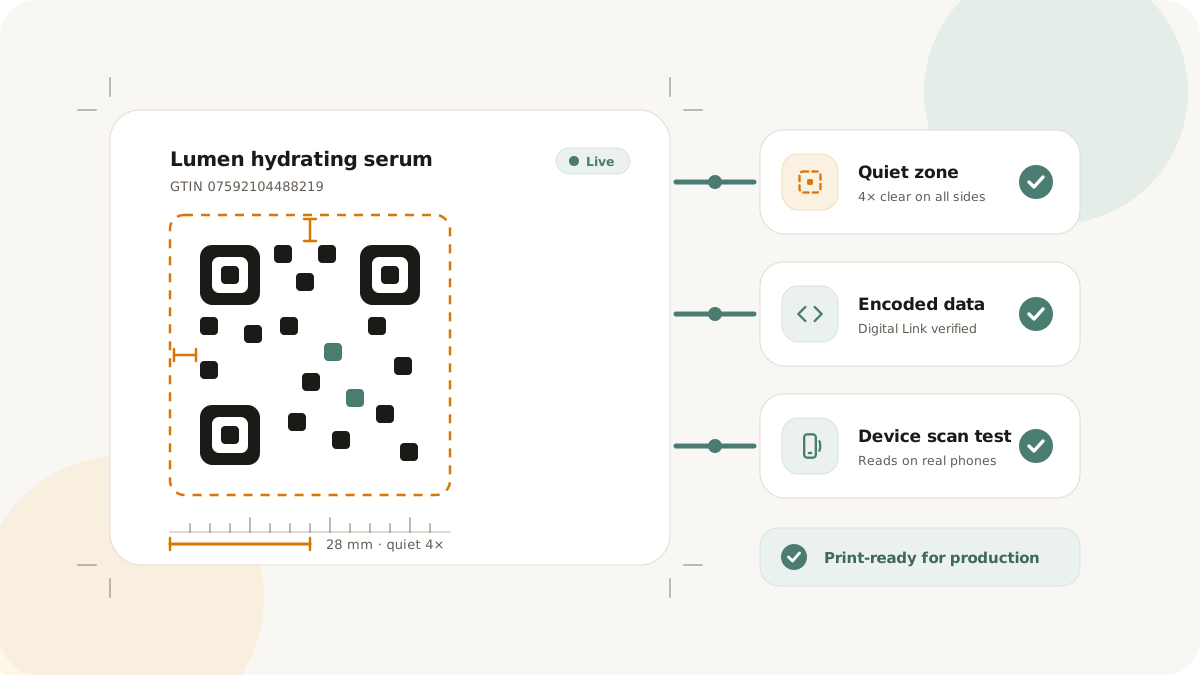
Retail packaging QR codes move through many hands: product, packaging, design, print, retail operations, and sometimes partner teams. A code can be structurally valid and still fail if it is too small, cropped, low contrast, pointed at the wrong destination, or handed off without context.
Use this checklist before packaging assets go to print.
Confirm the code purpose
Start by naming what the scan should do:
- Open a consumer product page
- Route to a campaign destination
- Resolve a GS1 Digital Link context
- Support supply-chain or operational scanning
- Send visitors to support, instructions, or recycling information
The purpose affects format, size, destination, and validation. Do not let a generic "add QR" request move forward without a clear scan job.
Check identifier and destination data
For Retail & GS1 work, confirm:
- GTIN source and owner
- Product and packaging variant
- Required qualifiers
- Digital Link URI structure
- Resolver rule destinations
- Fallback destination owner
- Validation report status
For non-GS1 packaging QR, confirm the managed link, final destination, UTM policy, and owner.
Validate the exported asset
Test the exported file, not only the preview inside a design tool. Preview scaling can hide issues that appear in the final PNG or SVG.
Check:
- Quiet zone on all sides
- High contrast
- Correct file format for the print workflow
- Correct dimensions at final placement size
- No logo overlay beyond the tested design
- No cropping inside the artwork frame
Test on real devices
Scan the code with at least two phones. If the code is intended for a retail or operational scanner, test with that scanner path too.
Run the test from the expected distance and angle. Packaging is often scanned quickly, in glare, or while the product is held at an angle. A test from a desktop monitor is not enough.
Keep the handoff complete
Every packaging QR handoff should include:
- Asset file
- Product or SKU label
- Packaging variant
- Destination or resolver rule
- Validation report, when used
- Print size
- Test date
- Test devices
- Owner for last-minute destination changes
For bulk jobs, include the ZIP manifest and check the count before sending files onward.
Avoid common failures
The most common packaging QR mistakes are preventable:
- Encoding a long raw URL instead of a compact managed link
- Printing below the tested size
- Cropping the quiet zone
- Changing artwork after scan testing
- Treating a validation report as retailer acceptance
- Losing the destination owner after print
Nimriz can help keep product data, QR assets, resolver rules, validation reports, and exports connected. It cannot guarantee that every scanner, retailer, POS system, or supply-chain environment will accept a code. Test in the environments that matter for your rollout.
For deeper setup details, read Retail & GS1 QR codes, Exports, and QR code sizing.