
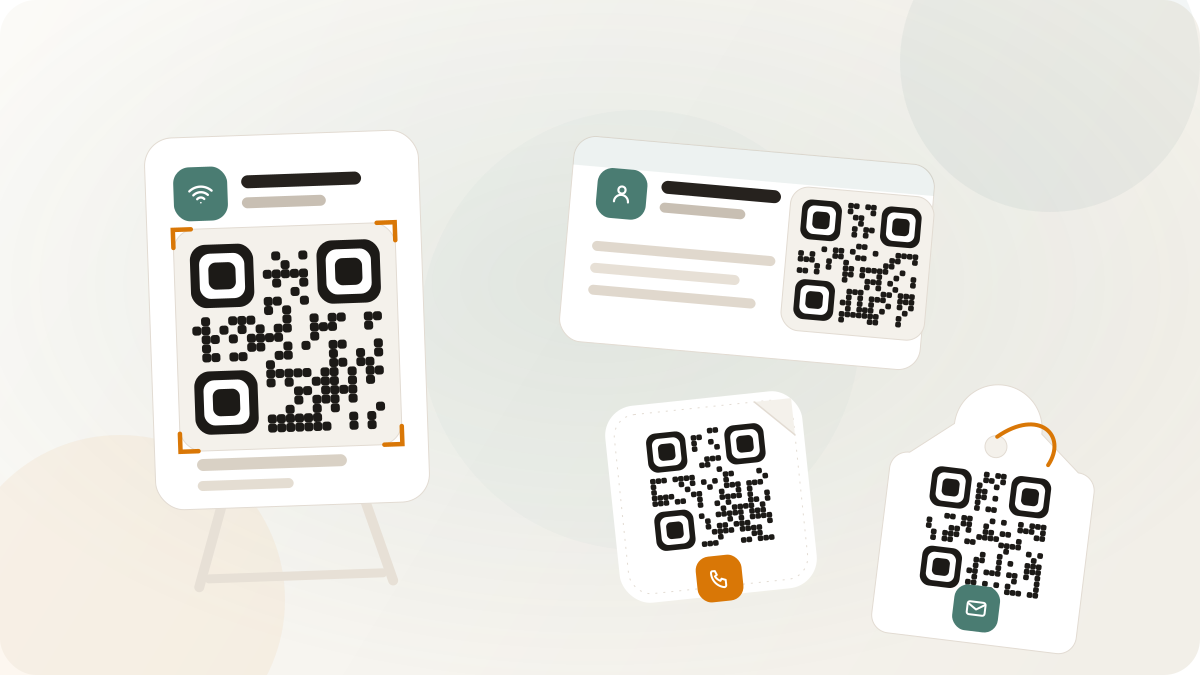
Static QR codes are best when the action is simple and the content will not need campaign analytics or post-print editing. They are useful because they are quick to generate, easy to place in artwork, and independent of a redirect service when the payload is self-contained.
The risk is also simple: after the code is printed, the encoded content is fixed. Pick static QR only when that trade-off is acceptable.
Good static QR examples
WiFi signs
A WiFi QR sign helps visitors join a guest network without typing the network name and password. It works well in offices, waiting rooms, event check-in areas, cafes, rentals, and customer lounges.
Before printing, confirm that the network details are stable and that the sign will not expose a private internal network. If the password changes often, plan for a sign replacement process.
Phone, SMS, and WhatsApp actions
Static QR can start a phone call, draft an SMS, or open a WhatsApp chat. These are useful for service desks, curbside pickup signs, event support tables, and local business contact points.
Use static QR only when the number or inbox is durable. If ownership may change, a link-backed dynamic QR is safer because the destination can be updated without reprinting.
Email actions
An email QR can prefill a recipient, subject, and message body. This is useful for support requests, simple quote requests, or event feedback when a full hosted form is not needed.
Keep the prefilled message short. Long encoded content makes the QR pattern denser, which can make small printed codes harder to scan.
Text instructions
A text QR can carry a short instruction, reference number, booth code, or operations note. This can work for inventory labels, internal signage, or temporary event operations.
Do not use static text QR for sensitive details. Anyone with the code can scan the content directly.
Contact cards
Static contact-card QR can share a name, phone, email, and company details. It is useful for business cards and staff badges when the information is stable.
If the profile should stay editable after print, use a hosted profile or managed link behind the QR instead.
When static QR is not the best fit
Avoid static QR when you need to:
- Change a destination after printing
- Measure scans in Nimriz
- Route visitors by campaign, device, or location
- Keep private or sensitive payloads out of a printed code
- Update offers, menu details, or event information over time
In those cases, use a Nimriz managed link or a hosted QR Page behind the QR code.
Print checks for static QR
Static QR still needs production QA:
- Scan the final exported code, not only the preview.
- Test on iPhone and Android devices.
- Keep a visible quiet zone around the code.
- Use high contrast.
- Print at the size and material you intend to use.
- Keep the encoded payload short enough for the physical size.
For sizing guidance, use QR code sizing. For product setup, use Static QR codes and the QR code generator.