
You put a six-field form in front of your best guide, the one piece of content that actually gets shared, and downloads cratered overnight. The leads you did collect were thinner than the traffic you lost. Worse, the people who hit the form and left were exactly the top-of-funnel readers you wanted to introduce the brand to. You traded your widest-reaching asset for a trickle of contact records, and the trade was a bad one.
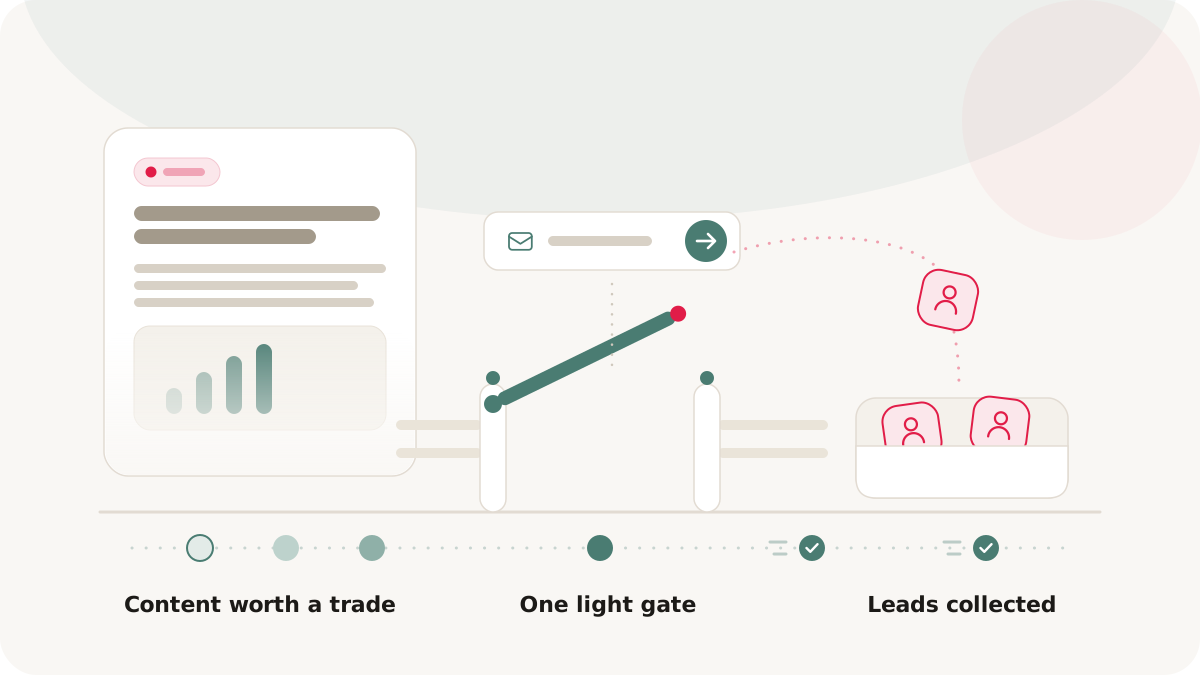
The instinct to capture leads from content is right. The execution, a hard wall with a long form, is what kills it. A gate works when it reads as a fair exchange rather than a toll booth: the reader sees enough to know the content is worth it, the form asks for almost nothing, and the experience after submitting is smooth. This is a playbook for capturing leads from content without scaring off the audience you were trying to build.
First decide whether to gate at all
Not every page should have a gate. Gating earns its place when two things are true: the content is valuable enough that someone would trade their contact details for it, and your team actually has a plan to act on the leads.
Gate the assets that justify the ask: original research, detailed case studies with real numbers, templates or calculators that save real time, premium guides that go deeper than your open blog. Leave the awareness content open: top-of-funnel explainers, anything meant to build reach, and anything a reader could find elsewhere without a form. The worst outcome is gating thin content, because the reader fills out the form, gets a two-page overview they could have searched for, and remembers the brand for the wrong reason. The gate is a promise. What is behind it has to keep it.
Price the gate like a fair exchange
When you do gate, two design choices decide whether readers go through it.
Ask for as little as possible. Every field you add costs you submissions. The discipline that holds up: if your follow-up process will not actually use a field within the first couple of days, do not ask for it. A name and an email is plenty for most content. The rule of thumb is to start from the minimum and add a field only when you have evidence the extra data improves what your team does next.
Show the value before you ask. A gate that reveals the structure of the content, with the page visible behind the form, converts better than a blank wall, because the reader has evidence of value before committing. Pair that with clear consent language so the leads you collect are actually usable in your email and CRM workflows later. In Nimriz, gates attach to hosted pages, so the same short link and QR code keep working while you adjust the fields or copy. Once a visitor submits, the page stays unlocked for their return visits without re-prompting; the exact unlock behavior is in the lead capture gates docs.
A gated report, online and offline
Take one high-value asset: an industry research report, published as a hosted page. You turn on a gate, ask for a name and email, and leave the report visible but locked behind the form so readers can see what they are getting. Online, that page does its job on its own.
Offline is where it compounds. You create a short link to the gated page, generate a QR code with a clear call to action like "Scan for the free report," and print it on your conference handouts and booth signage. Someone scans at the event, sees the preview, submits, and reads the report. You now have a lead with a clean attribution path: scanned at this event, converted on this report. Every printed handout became a lead-capture point instead of a brochure that gets recycled. The mechanics of building that QR-to-gate flow are in offline-to-online growth.
Measure against your own baseline
A gate is a conversion funnel, so watch it like one. The numbers that matter are how many people reach the page and see the gate, and what share of them submit. The difference between the two is the readers you are losing to the form.
Resist the urge to chase a benchmark you read somewhere. The only honest comparison is against your own baseline: what this audience and this content type convert at for you. Nimriz tracks page views and lead submissions on hosted pages, so you can watch the submission rate over time, segment leads by which content they converted on, and export them for your CRM when you are ready to follow up. If a gate's submission rate sits well below your own norm, the content, the form, or the distribution needs a change, not more time. Export and field-configuration steps are in the lead capture gates docs.
Watch-outs
A few ways gating goes wrong even when the gate itself is well built:
- Gating everything. A site where every page is walled is not building an audience, it is building a wall. Gate selectively and keep your educational content open.
- No follow-up plan. A lead is warmest the moment it converts. If your team cannot contact new leads within a couple of days, fix that before you turn on a single gate.
- Letting a weak gate run. A gate underperforming your baseline is not collecting leads, it is repelling readers. Change it or remove it; do not leave it running out of habit.
What you get back
Done well, a gate gives you leads without the unnecessary drop-off that a long form on the wrong page would cost you, plus a clean attribution trail from each lead back to the content and channel that produced it. You can measure the payoff directly: submission rate against your own baseline, and leads per asset over time.
Set up your first gate with the lead capture gates docs. For the QR-driven offline flow that turns printed materials into lead sources, see offline-to-online growth.