
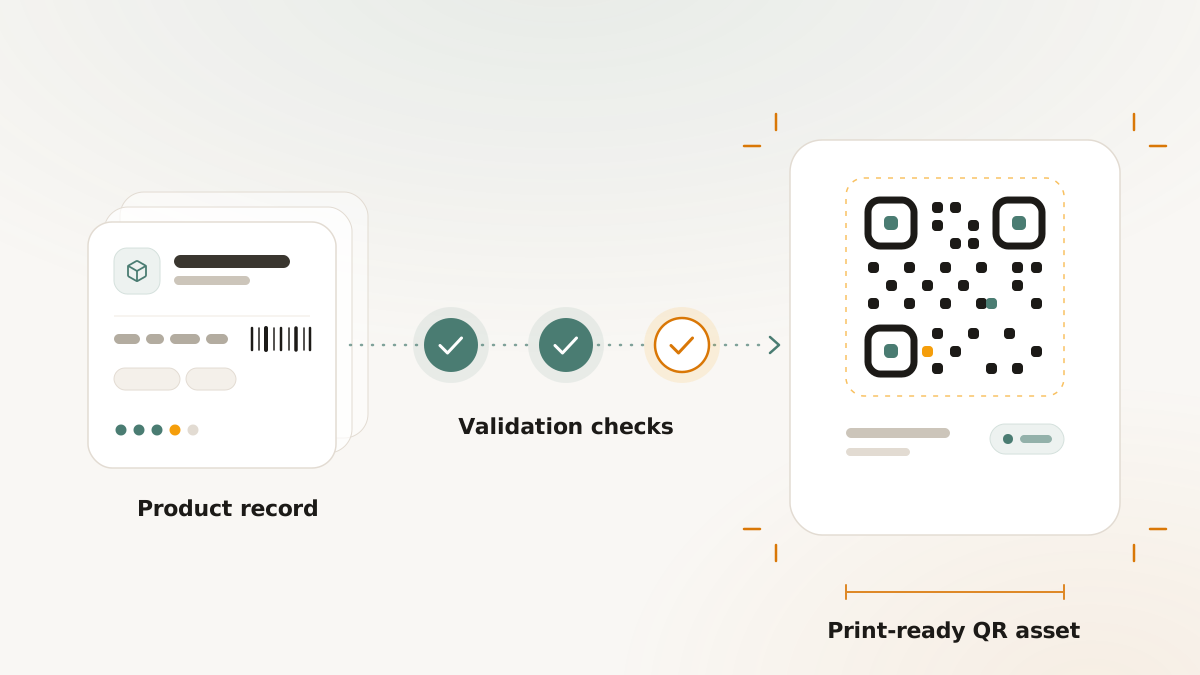
Retail and packaging QR work should not start with artwork. It should start with product data, identifier checks, resolver decisions, and scan testing. The earlier those checks happen, the less likely a packaging team is to discover a problem after files have moved to print.
This workflow shows how to use Retail & GS1 validation as a production readiness process.
Start with product truth
Before generating code assets, confirm the product record:
- Product name and description
- GTIN and identifier ownership
- Packaging variant
- Batch, lot, serial, expiry, or other qualifier needs
- Destination owner
- Print owner
Nimriz can validate the structure of GS1 Digital Link data, but it does not issue GTINs or verify that the customer's source data is legally or commercially correct. Treat the product record as the source of truth that your team owns.
Build packaging variants
Packaging variants help separate the same product across pack sizes, labels, regions, or production contexts. This matters because a consumer-facing box, a shipping carton, and a small label may need different code assets or resolver behavior.
Document the intended surface before generating assets. The print size and scanner context affect whether QR, GS1 DataMatrix, or both formats are appropriate.
Validate before generating assets
Validation should happen before a code is handed to design or print. Review:
- Identifier syntax
- Required qualifiers
- Digital Link URI structure
- Warnings from the validation report
- Destination readiness
- Ownership of follow-up fixes
A validation report is evidence that the structure was checked at a point in time. It is not a certification of packaging, retail acceptance, or scanner compatibility.
Configure resolver rules
Resolver rules decide where scans go for supported contexts. Keep the rule set easy to explain:
- Consumer scans go to the consumer destination.
- Retail or supply-chain contexts use approved operational destinations where configured.
- Fallback behavior has an owner.
- Every destination has been opened and reviewed before print.
Avoid creating resolver rules that nobody owns. A stale resolver destination can create just as much risk as a stale printed URL.
Export and hand off assets
When the code is ready, export the QR or GS1 DataMatrix assets with a manifest or validation report where appropriate. The handoff should include:
- Asset filenames
- Product and packaging variant
- Destination URL or resolver rule
- Validation report reference
- Print dimensions
- Required quiet zone
- Test devices and test date
This makes the asset package auditable for marketing, packaging, and print teams.
Test before production print
Scan the final exported asset on real devices and, where relevant, with the scanner environment that will be used in operations. Test at the intended size, on the intended material, and under realistic lighting.
For Nimriz setup details, use Retail & GS1 QR codes. For a reusable worksheet, use the Retail & GS1 packaging validation worksheet.