
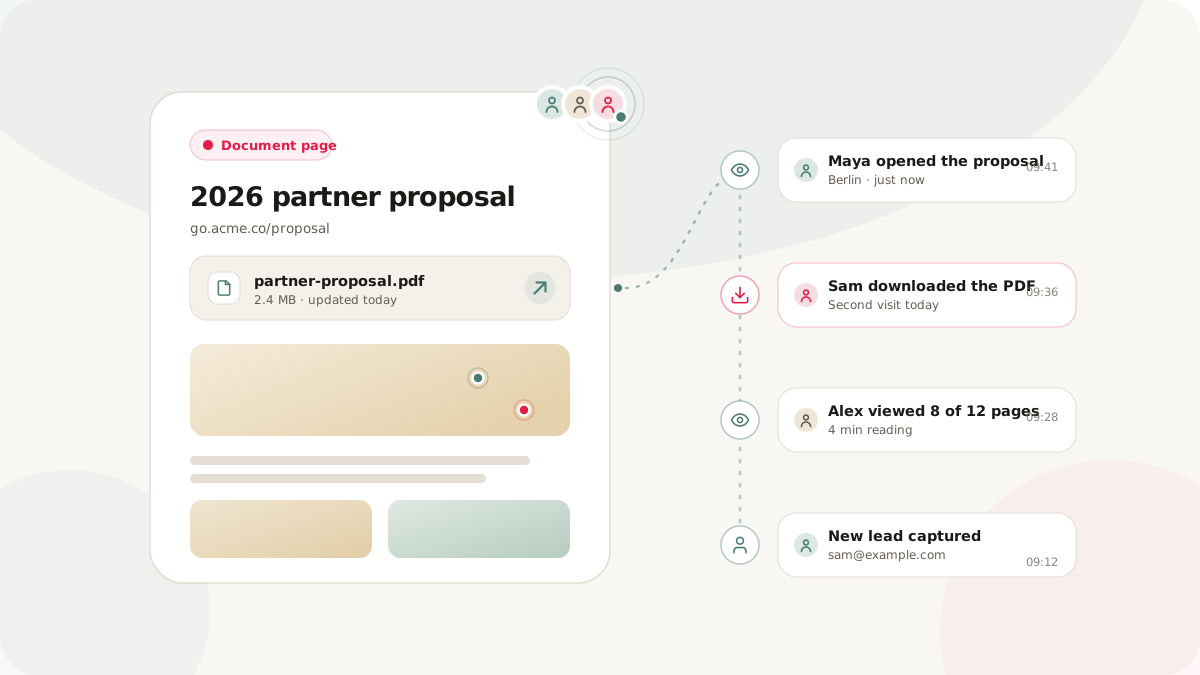
A raw PDF link delivers a file, but it often leaves you without a consistent view of page visits and downloads. Nimriz document pages provide a branded page for the PDF, a stable short link, optional lead capture, and aggregate activity that helps you evaluate distribution without guessing who an anonymous visitor is.
How document pages work
A document page is a hosted page designed for sharing a PDF:
- Upload your PDF. Visitors can preview the document inline when their browser supports PDF viewing, or download it directly.
- Customize the page. Add a title, description, and workspace branding so the page matches the context in which you are sharing it.
- Share the page. Use its branded short link in digital channels or add a QR code to printed material.
- Review aggregate activity. Page views and file downloads appear as separate analytics events.
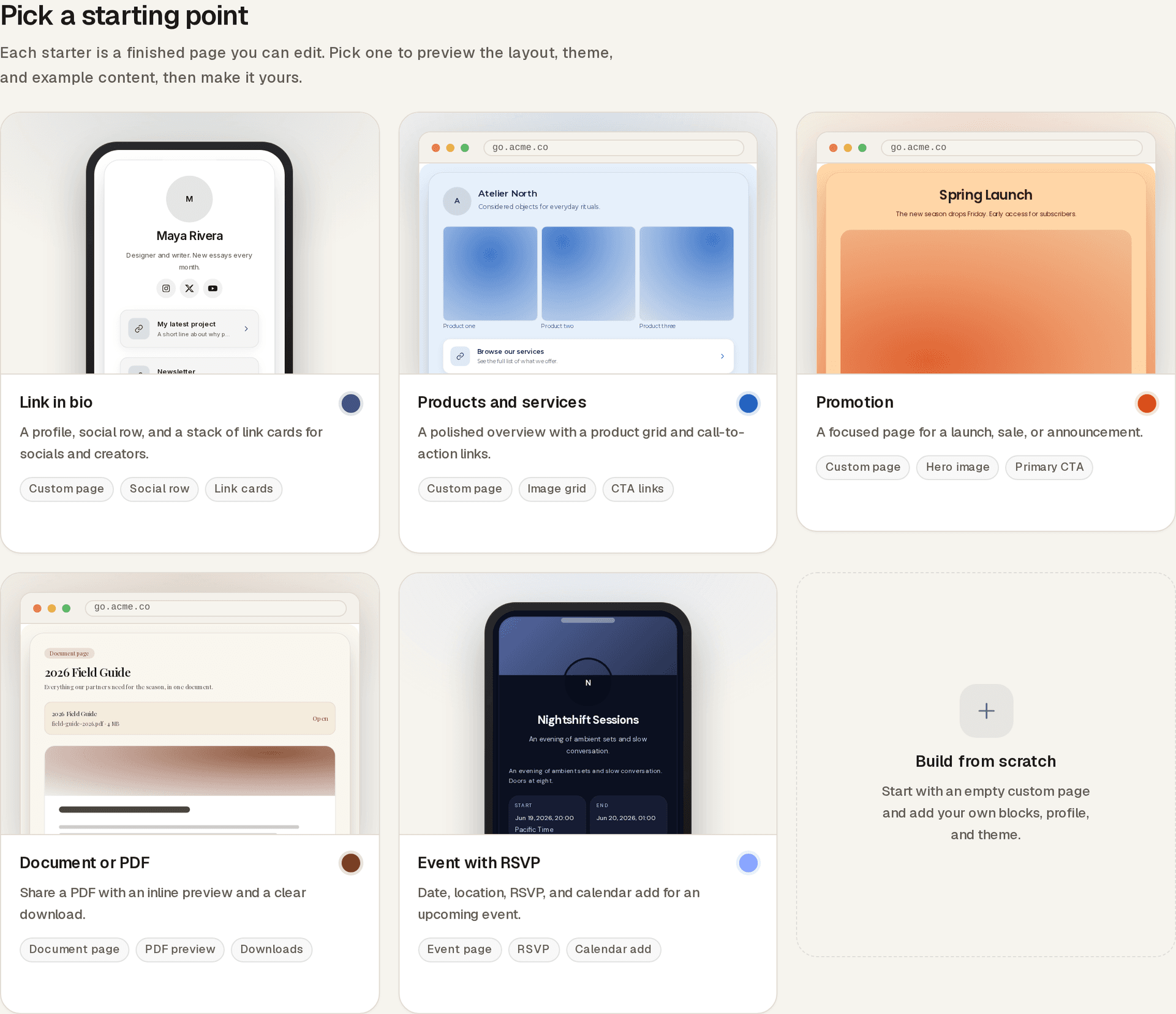
You can update the published page or replace its PDF while keeping the same short link and QR code. This is useful for documents that change after distribution, such as product guides, proposals, and event materials.
The analytics layer
Document pages produce two relevant event types:
hosted_page_viewedrecords a visit to the hosted document page.file_downloadedrecords use of the file download action.
These events are aggregate activity signals. An anonymous page view or download does not identify a person, prove that a document was forwarded, show how many stakeholders reviewed it, or prove that someone read the file. Multiple events can also come from the same visitor. Use the totals to compare channels and timing, not to infer individual identity or intent.
If you need a visitor to identify themselves, use an explicit lead gate and treat the submitted form data separately from anonymous analytics.
Document page or raw file link?
| Need | Raw file link | Nimriz document page |
|---|---|---|
| Share surface | Opens or downloads a file according to the file host and browser | Opens a branded page through a short link or QR code |
| Updates | Depends on the file host and its link behavior | Lets you update the published page or replace the PDF without changing the short link or QR code |
| Activity | Depends on the file host | Separates aggregate page-view and download events |
| Visitor identity | An anonymous request does not identify a person | Anonymous events do not identify a person; an optional lead gate can collect an explicit submission |
| Access controls | Depends on the file host | Supports a public link, with optional lead capture, password protection, or link expiry when appropriate |
A raw file link can be enough when recipients only need the file. Choose a document page when branding, a durable share link, aggregate activity, or a controlled access step matters.
Add lead capture when identity is necessary
A document page can collect a form submission before granting access to the PDF. The gate supports name, email, phone, and company fields. After submission, a page-scoped cookie keeps that page unlocked in the same browser for seven days.
Lead capture adds friction, so reserve it for cases where the exchange is clear, such as a research report, pricing guide, or event resource. Explain what the visitor will receive and collect only the fields you need.
Practical use cases
Proposals and client deliverables
Share the proposal through a stable branded link, then use aggregate page and download activity to inform follow-up timing. If knowing the visitor is necessary, require an explicit lead submission instead of attributing anonymous events to a recipient.
Media kits and campaign assets
Use distinct campaign links or UTM parameters for each distribution channel. This lets you compare aggregate activity from email, partner placements, social posts, and events without claiming that analytics identifies a journalist or editor.
Product manuals and updated guides
Put the short link or QR code on packaging and printed collateral. Replace the PDF when the guide changes so the existing link and printed code continue to open the current version.
Course and training materials
Use aggregate views and downloads to understand overall access patterns before a session. Do not treat those totals as attendance records or proof that a particular participant opened the material.
Physical distribution with QR codes
A document page and QR code create a durable path from print to the current PDF. Common examples include event signage, product packaging, brochures, and printed training materials. Because the QR code points to the page rather than directly to a specific file version, you can update the document without reprinting the code.
For channel comparison, create a distinct tracked link for each placement. Keep the destination page consistent, and label each campaign clearly so its aggregate activity remains interpretable.
Practical tips
-
Use a descriptive title. Name the document for the visitor, not for your internal file system.
-
Check the browser preview. Inline PDF behavior varies by browser, so keep a clear download action available.
-
Interpret ratios directionally. A view-to-download ratio describes aggregate actions, not individual reading behavior.
-
Keep the shared URL stable. Replace the PDF on the existing page when publishing a corrected or updated version.
-
Separate distribution channels. Use distinct links or UTM parameters when you need to compare email, social, partner, and print performance.
-
Document pages - setup, access controls, and analytics details
-
Gated content strategy - when and how to request visitor information
-
Privacy-aware analytics - how Nimriz handles analytics data